![Juno Logotype Blue.png]](https://knowledge.junojourney.com/hs-fs/hubfs/Juno%20Logotype%20Blue.png?height=40&name=Juno%20Logotype%20Blue.png)
In this article you will find:
How to submit a support ticket
How to submit a support ticket
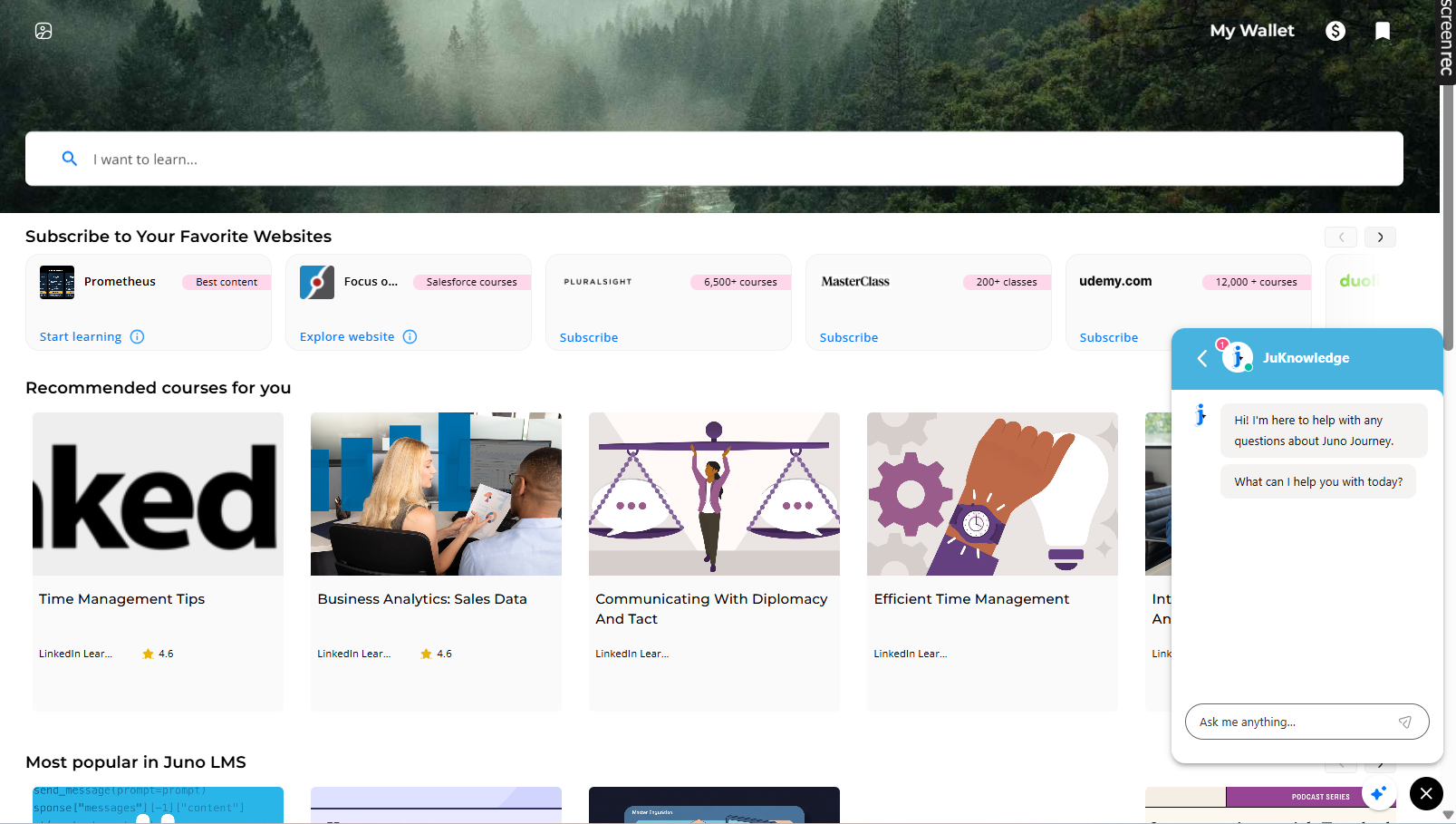
In your platform, you will see a "Help" clicker at the bottom right side of the page.

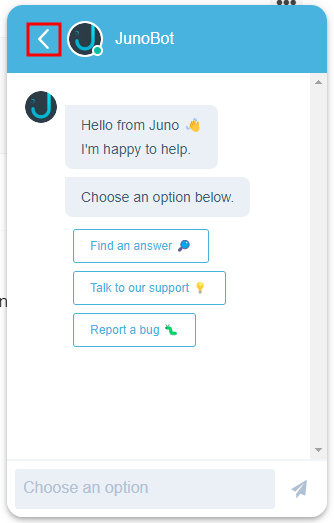
The bot offers you three options: Finding an answer in our knowledge base, talking to our support, or reporting a bug.
Find an answer - Write your question and get all of the articles that might answer your needs.
Talk to our support - Begin by finding the subject of your need and describe the problem. One of our support reps will contact you as soon as possible.
If you already left the system, you will get the message in your email.
Once you start a report- you can always come back and find it.
Report a bug - After trying the recommended steps you will see in the bit, you can choose to finish your chat or continue to a live rep by clicking on "No, the bug is still here".
According to the severity of your problem, choose the type of support you want to get.
If needed, add a description of the bug, and we will contact you as soon as possible.
How to track my open tickets?
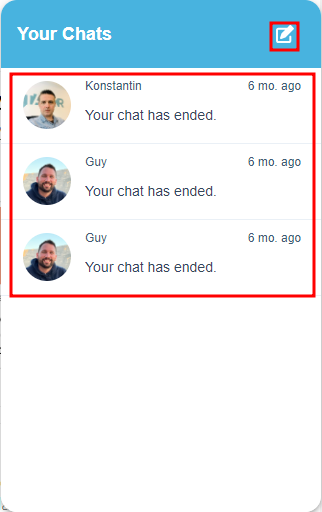
Once you return to the platform, you can also return and track your chatbot reports.
Click on the arrow "back":
See the full list of conversations you started with our chatbot. You can continue the same conversation you had in the past to follow up on old items if needed.
You can also create a new report.
💡 Need more help? Contact Support at support@junojourney.com.