![Juno Logotype Blue.png]](https://knowledge.junojourney.com/hs-fs/hubfs/Juno%20Logotype%20Blue.png?height=40&name=Juno%20Logotype%20Blue.png)
This platform is constructed on the basis of skills.
Each profile is constructed of a set of skills, our catalog search is based on skills and your content can be tagged with skills. Other than the massive bank of skills the platform offers you, adapting to your company culture requires you to be able to add skills and tags relevant to you.
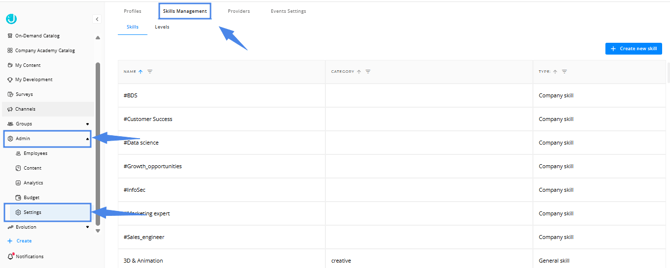
To create a new skill and a tag for it, go to Admin -> Settings -> Skills Management:
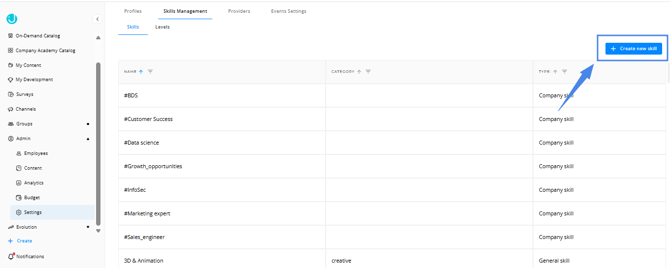
Click on " + Create new skill":
Insert the name of the skill and the category: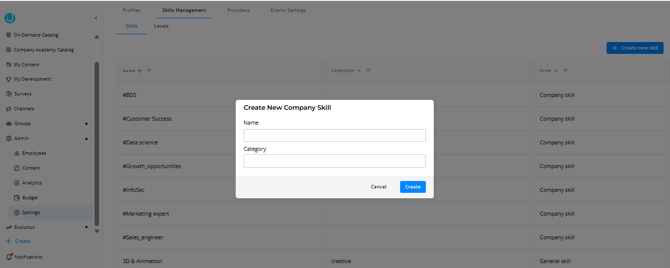
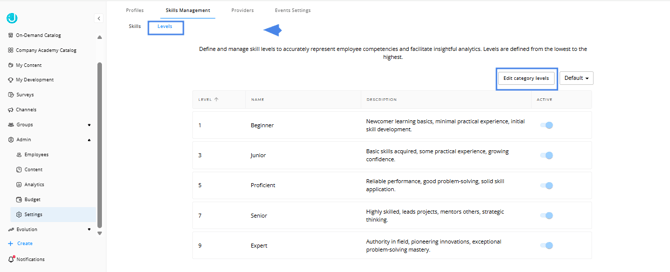
You can define and manage skill levels to accurately represent employee competencies and facilitate insightful analytics by clicking on Levels -> Edit category levels:
Where can I use this tag?
(a) When creating content in the platform, you are recommended to add skill tags, to help your users find the content according to their needs. Your "Company skills" will be available for tagging.
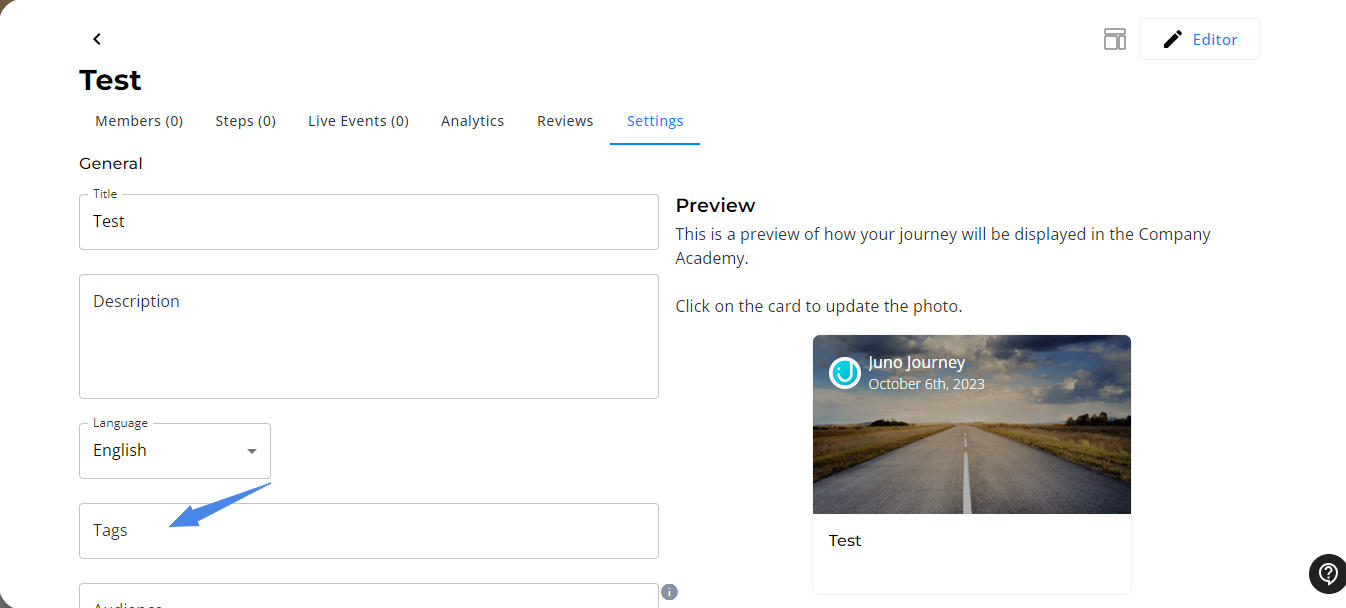
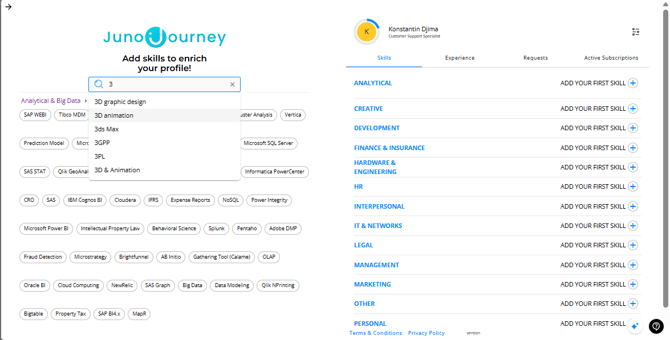
(b) When you create or edit a profile (Position\ opportunity) you can add skills from your "skills" options.
Need help?
Encountered an issue? Was your purchase declined? Need further details?
Contact Support at support@junojourney.com.