![Juno Logotype Blue.png]](https://knowledge.junojourney.com/hs-fs/hubfs/Juno%20Logotype%20Blue.png?height=40&name=Juno%20Logotype%20Blue.png)
Edit content
You can edit training from My Content. On the homepage, click on "My Content" to find all of your Courses, Journeys, and other content you created.
When you find the content you wish to edit, simply click on it, set it to edit mode, and click on edit content.
Users with Admin permission can also edit training from the Internal Company Catalog by clicking on the edit button on the top-right of each training.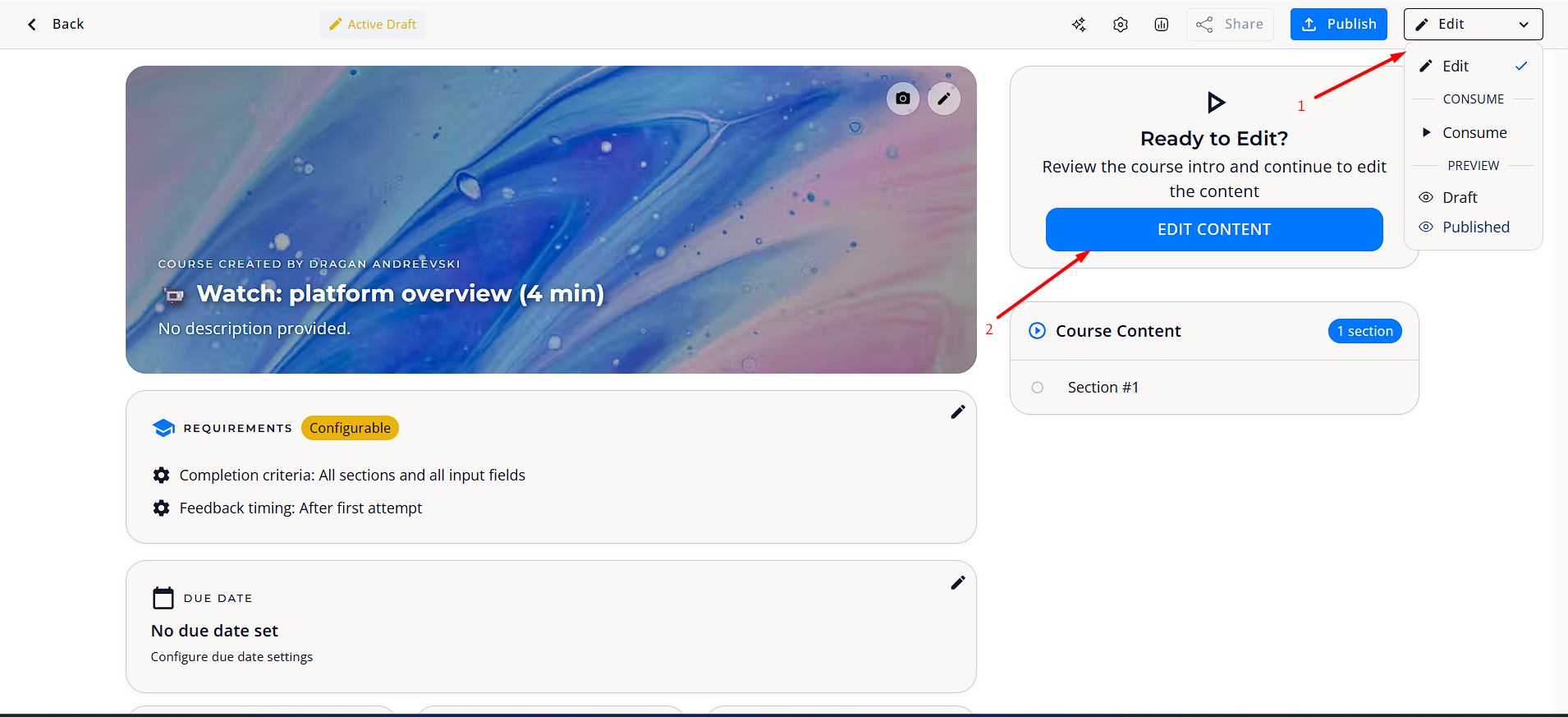
Delete content
Follow the same steps as for editing a training.
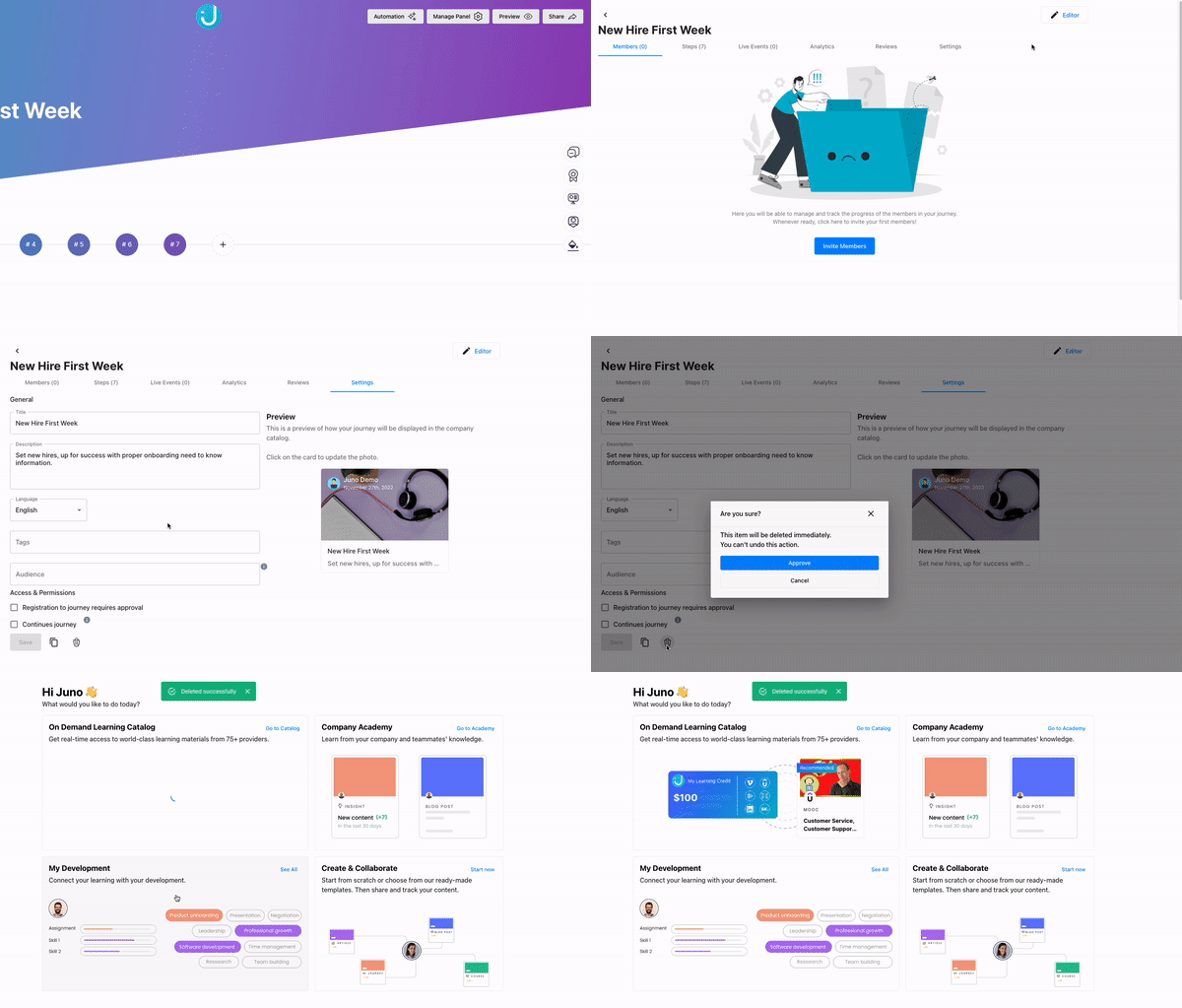
When in editor mode, click on Settings→General and at the bottom of the page, click on Delete.
For the journeys, click on "Manage Panel"→Settings→Trash Can icon.
 Encountered an issue? Need further details? Contact Support at support@junojourney.com.