![Juno Logotype Blue.png]](https://knowledge.junojourney.com/hs-fs/hubfs/Juno%20Logotype%20Blue.png?height=40&name=Juno%20Logotype%20Blue.png)
Table of Contents:
How To Enroll?
Voucher
Once your request has been approved, you will receive a Juno Voucher.
A Voucher is essentially a pre-paid, one-time use card that can be used to purchase content from external providers. You would use it just like a regular credit card to buy something online.
Here are the important things to keep in mind when using your Voucher:
- Though the voucher is provided by Juno, you'll make your actual purchase on the website of the content provider.
- Treat the voucher like a regular credit or debit card. You can find the card details on the Voucher page under "My Wallet". Simply copy these details and paste them when making your purchase.
Access my course
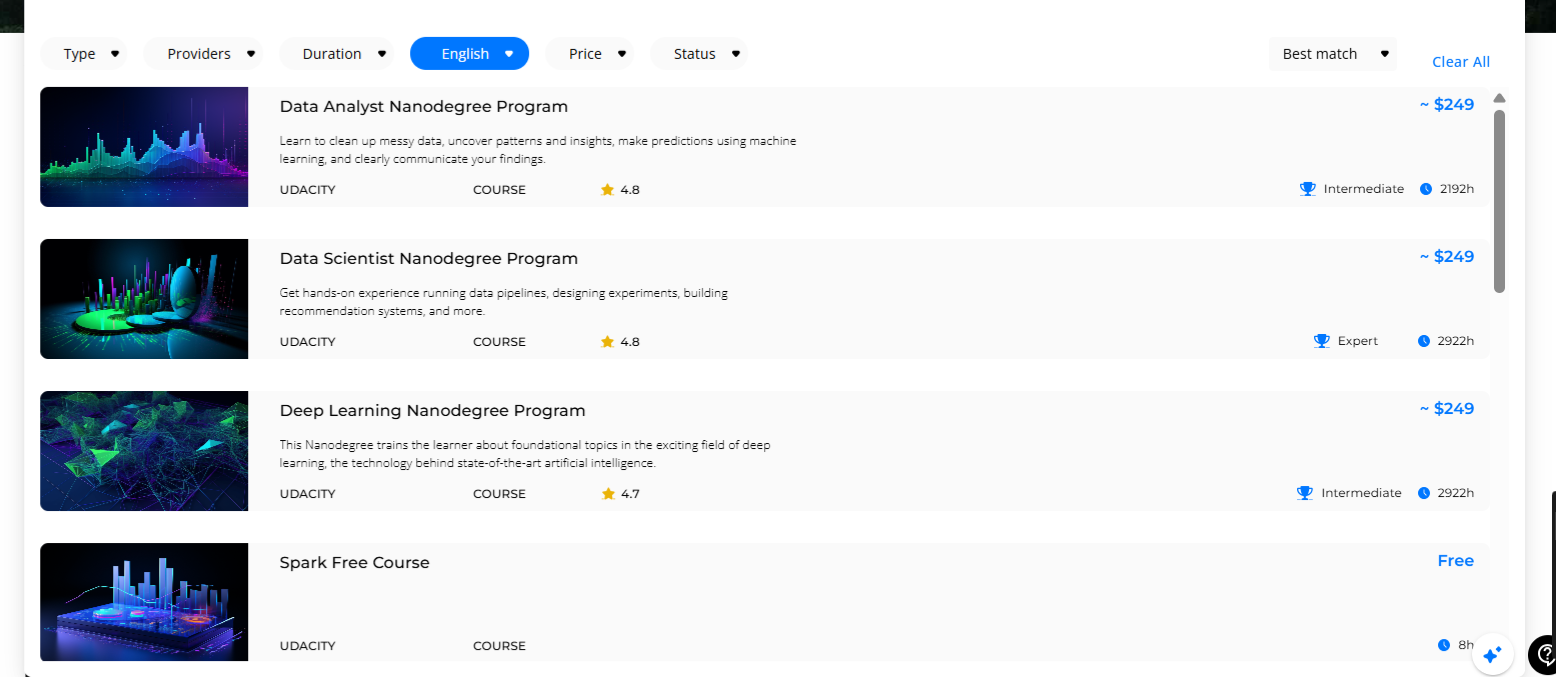
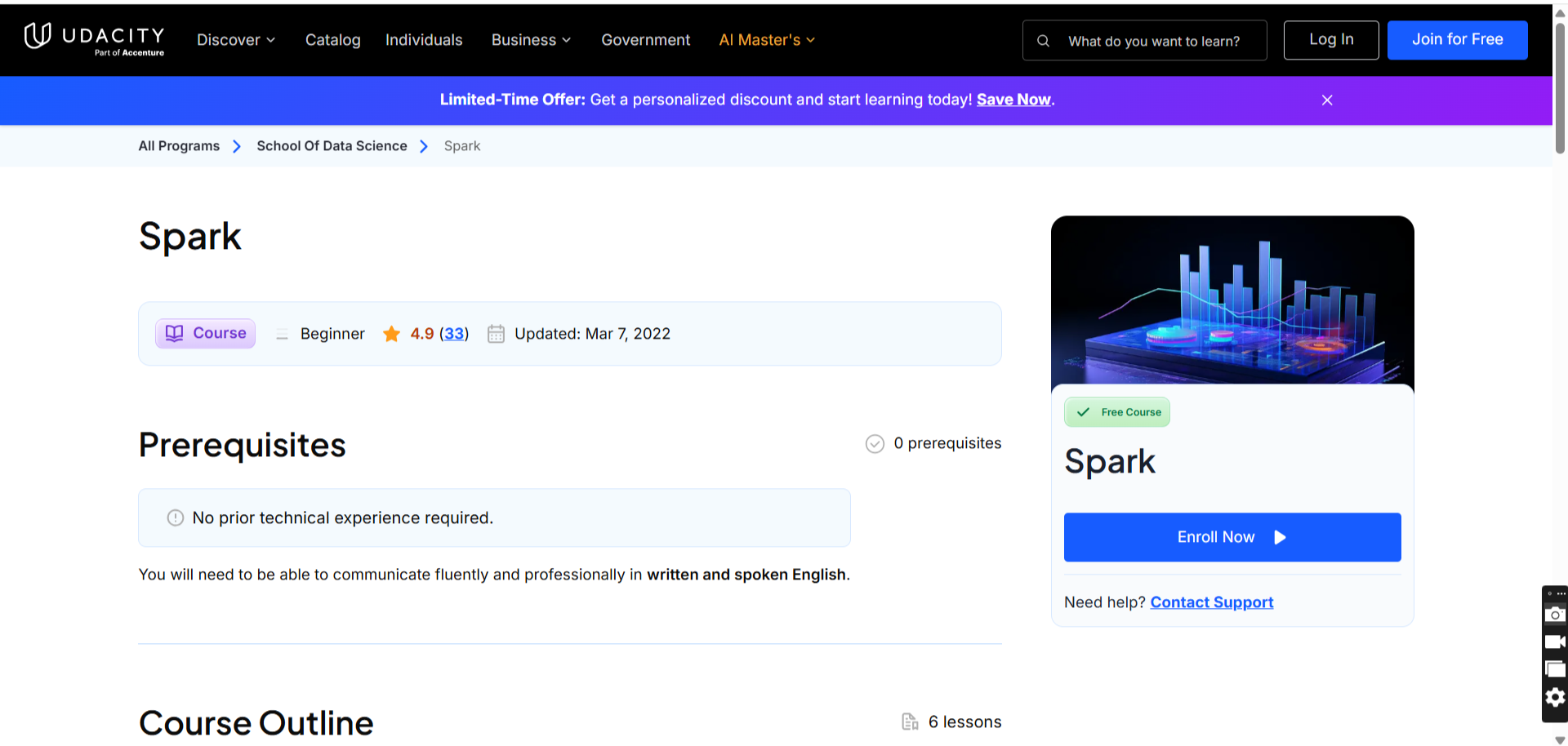
If the course is free:
- Navigate to the course page on our on-demand catalog.
- Click on "Go to the Course"
- Once on the Udacity course page, click "Enroll Now"
If the course requires payment:
- Click on "Enroll" to create a Voucher request.
- Follow the steps on the pop-up window to submit a purchase request.
- Once your request has been approved and you have your Voucher, use it to purchase the online course on the content provider's website with the following steps.
Invoice
Once you have completed your purchase, the content provider will send you an email containing the invoice. We kindly ask that you send us the invoice.
Need help?
 Encountered an issue? Need further details?Contact Support at support@junojourney.com.